
Guides
Ozil AI Goal Video Workflow: Choose the Right Route
Compare a template-editing workflow, the Ozil Goal AI one-photo preset, and prompt-led creation. Review the photo checklist and a real example before sharing.
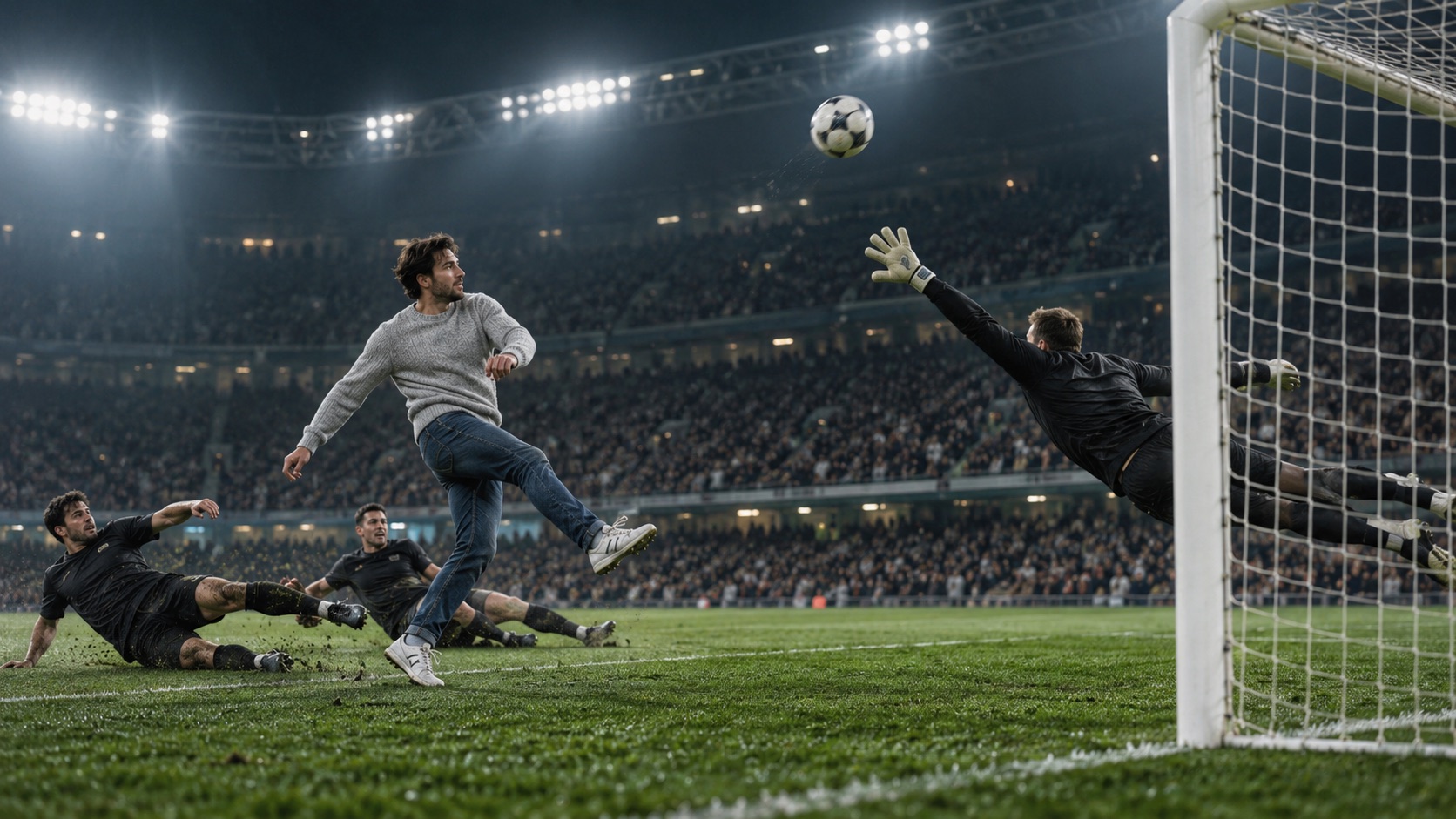
Ozil Goal AI turns one adult photo into an eight-second fictional football scene. This workflow guide helps you decide whether the preset, a template-editing process, or a prompt-led approach fits the video you want. It focuses on the practical differences between those routes, then shows what to inspect before you upload or share a result.
The on-site generator uses a preset scene and does not ask you to write a prompt. It returns a vertical 9:16 video at 720p. The clip is an AI reimagining inspired by a famous goal sequence, not broadcast footage, and each generation can vary.
Start with the result you want
A search for an Ozil AI goal video can describe several different goals: placing yourself in a familiar football scene, editing clips into a joke, or directing a new scene with a written prompt. These routes have different inputs and controls. Choose based on what you want to create rather than the headline on a tool page.
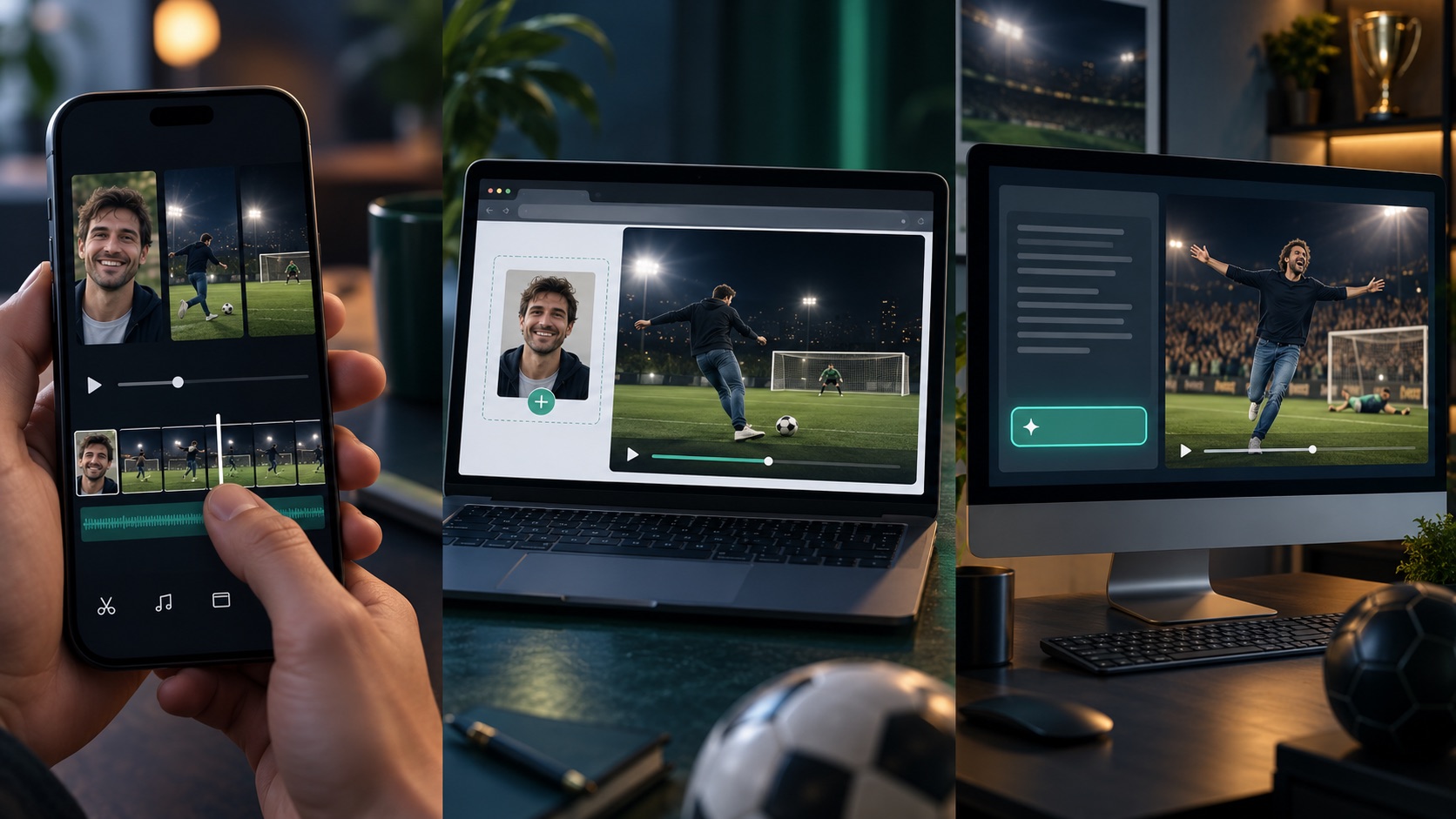
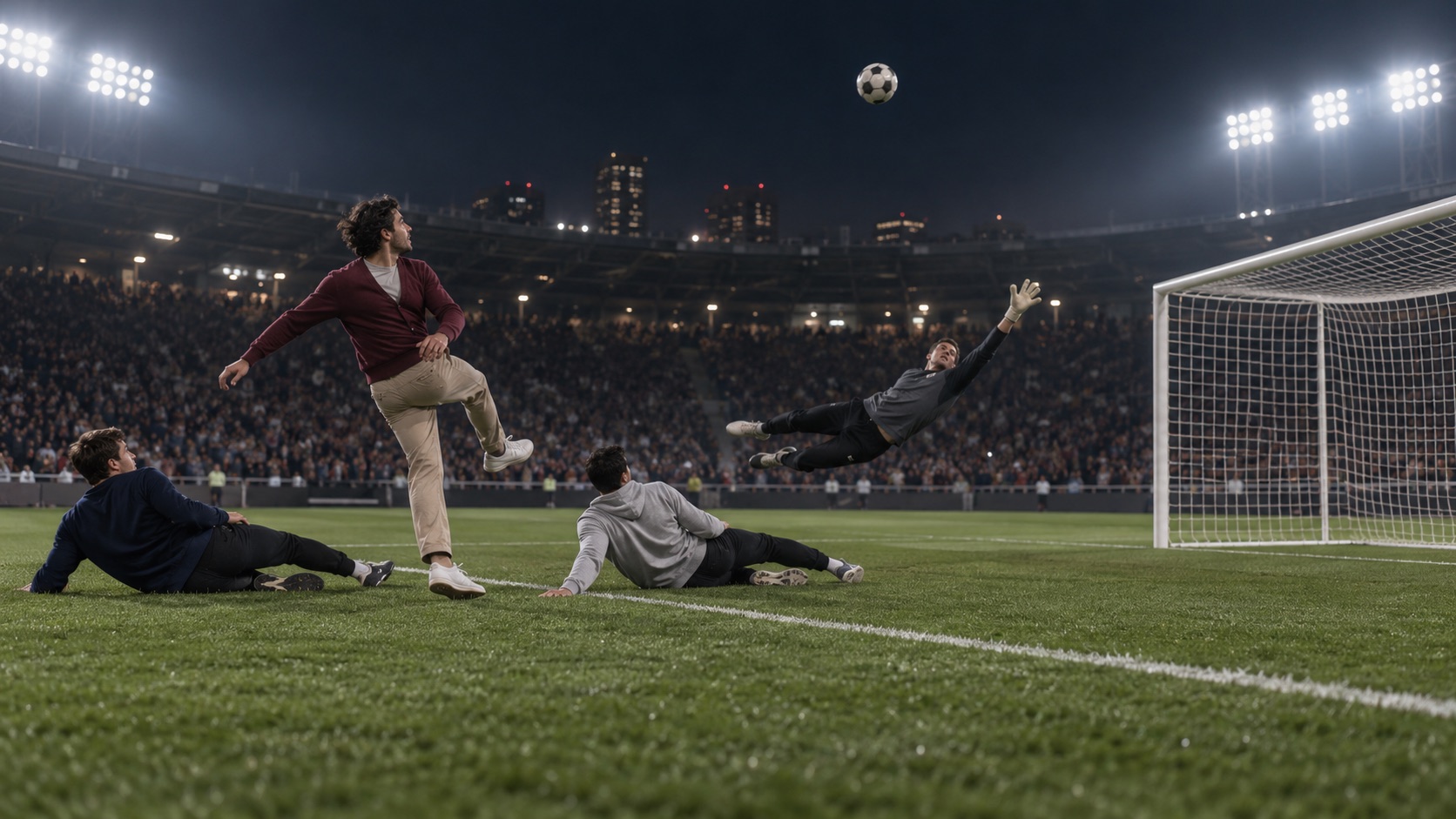
The image above is an illustration for this guide. For a real example generated through this site, see the video sample below. Neither image nor video is original match footage.
Compare the three workflows
| Workflow | What you start with | What you control | Best fit |
|---|---|---|---|
| Ozil Goal AI preset | One adult photo | The source photo and whether to keep or retry the result | A guided, one-photo fictional replay |
| Template editing | Existing photo or video clips requested by the template | Crop, timing, soundtrack, and export | Someone who wants to arrange or trim existing media |
| Prompt-led video | A reference image and a written scene description | Action, camera, setting, and iteration | A creator who wants to direct more details |
These are workflow trade-offs, not a quality ranking. The preset reduces setup by choosing the scene for you. Editing gives you more control over timing and sound. A prompt-led route can offer more direction but needs more decisions and review.
Use the one-photo preset for a guided scene
The Ozil Goal AI workspace is built around one photo and a fixed football prompt. Upload one adult photo, confirm that you have permission to use it, and start the generation. The service creates an eight-second vertical scene; you do not need to assemble clips or write a prompt.
This route is a good fit when you want a quick fictional replay and are comfortable with a preset. It gives you fewer scene controls. The model may reinterpret a face, clothing, body movement, or part of the goal sequence, so review the finished clip rather than expecting a frame-by-frame recreation.
Use the one-photo creation guide for the full process, and the Ozil Goal AI trend explainer for context about the sequence that inspired the format.
Use a template when you want to edit clips
A template workflow starts with the media slots the selected template requests. Depending on the template, those slots may call for one or more clips rather than a still photo. Preview the sequence and inspect its inputs before preparing files. Check whether it includes the keeper, the ball’s arc, the defenders, and the finish you care about.
Editing is useful when you want to trim an existing clip, adjust its crop, or change the timing. A face overlay and a newly generated full-body scene can look similar in a thumbnail but work differently in the final video. Our CapCut template guide explains how to review a template’s media slots and check whether it matches the Ozil Goal format.
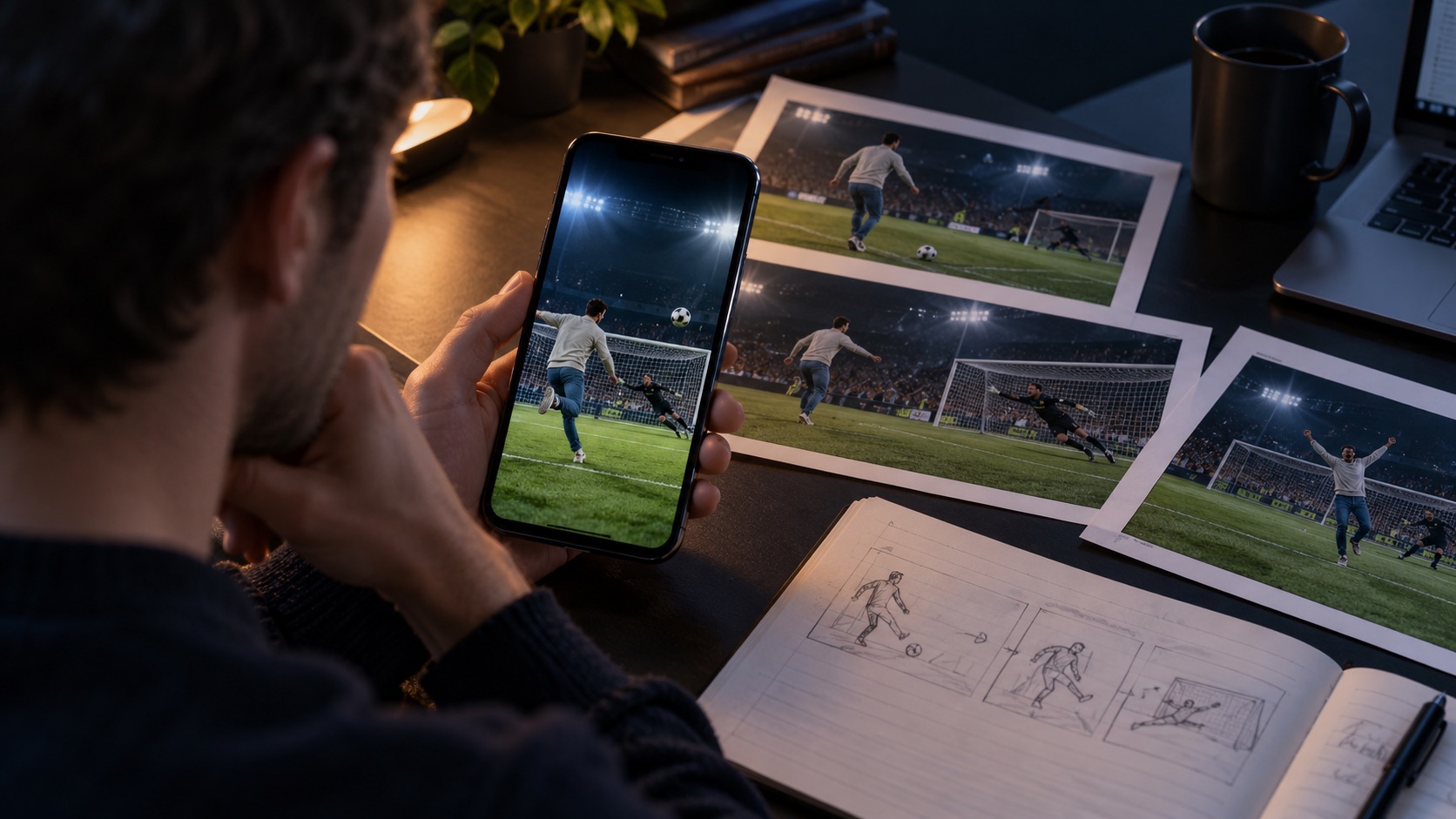
The illustration shows an editing workflow; it is not a customer upload or a result from the generator.
Use a prompt-led workflow when you need more direction
A prompt-led workflow is useful when you want to specify the stadium, clothing, camera, or order of events. Describe the sequence in plain language and keep the action visible: the keeper rushes out, the player chips the ball, the ball drops, defenders slide past, and the player finishes. Add framing and style after describing the action.
Here is a starting prompt for a fictional scene. It is an example to edit, not a tested guarantee:
Use the adult in the reference photo as a fictional player and preserve their everyday outfit.
Under night stadium lights, show a goalkeeper rushing out, the player chipping the ball
over the dive, controlling the bounce, and calmly finishing as two defenders slide past.
Keep the ball visible, use a vertical 9:16 camera, and avoid real team badges or text.
If an action is missing, change one instruction at a time and review another take. Our Ozil Goal AI prompt guide breaks down the scene prompt and explains how to keep a fictional reimagining distinct from real match footage. The preset on this site uses a fixed prompt and does not expose these controls in the generator.
A five-step check before you upload
Use this checklist with any workflow. It helps you compare the requested inputs with the video you plan to share.
- Check the clip length. Confirm that the video has enough time for the chip, keeper movement, and finish you want to see. A short edit may stop after the first action; a preset may compress several beats into eight seconds.
- Choose the workflow. Use the one-photo preset for a guided scene, a template for editing existing clips, or a prompt-led workflow when you need more control.
- Prepare one clear photo. Choose an adult subject with a visible face, even lighting, and enough of the body for the intended scene. The one-photo creation guide covers the image details.
- Read the privacy terms. Check how the service processes uploaded photos, where it stores media, and how to request deletion. The privacy policy describes this site's current processing and retention behavior.
- Preview the finished video. Check the face, outfit, ball, framing, and ending before downloading or sharing the clip. Results can vary between generations.
Choose a photo that represents the person
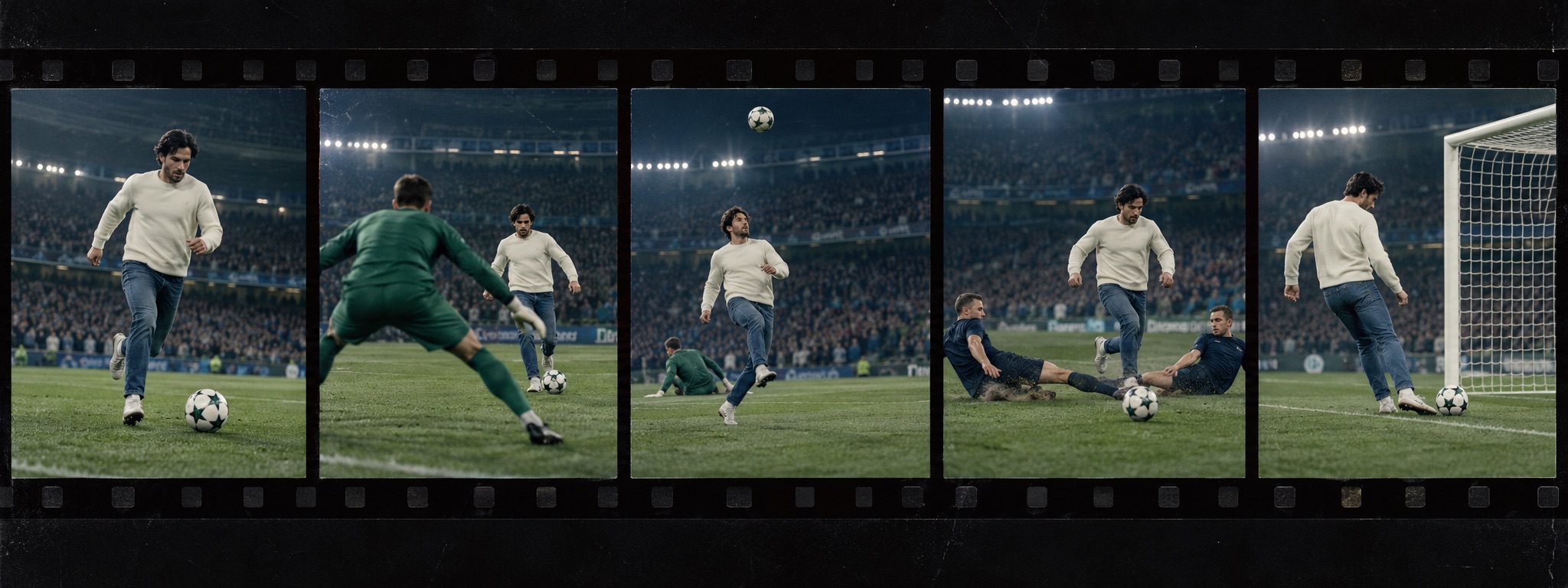
This image is an illustration, not a real customer input. For the on-site preset, use one clear photo of an adult who has given permission. A visible face and even light help the model interpret the person. If the source only shows a head and shoulders, the model may invent clothing or body details that are outside the frame.
Avoid group photos, sunglasses, masks, heavy filters, and tiny faces far from the camera. Keep the source in JPEG, PNG, or WebP format and under 5 MB. The one-photo creation guide explains what to check before you upload.
Only upload your own photo or an adult’s photo with their permission. Do not upload a child’s image or use someone else’s likeness to suggest that they took part in or endorsed a video. Read the privacy policy before submitting personal media.
See a real example generated on this site
The video below is a real Ozil Goal AI generation hosted on this site’s CDN. It shows one possible result from the photo-to-video workflow. It is not original match footage, a guarantee that every action will appear, or a benchmark of generation quality.
The three panels are a guide illustration. They do not depict other websites or verified third-party products. The Ozil Goal AI homepage shows the on-site preset and its current video examples.
Which workflow fits your situation?
Choose the one-photo preset when you want the site to select the scene and need a simple input flow. Choose template editing when you already have clips and want to arrange or trim them. Choose a prompt-led route when directing the setting or camera matters more than minimizing setup.
Before starting, use the Ozil Goal AI video guide to understand the preset, the prompt guide for a more detailed scene description, or the template guide to review editing inputs. Each route leads to a different process, so check the required media and output before you begin.
Frequently asked questions
Is an Ozil AI goal video just a general AI soccer video?
The phrase usually refers to a recognizable football sequence reimagined with a new person in the scorer’s place. A generic football prompt does not guarantee the same keeper, chip, sliding defenders, or finish. Review the output beats you care about.
Which Ozil AI goal workflow is simplest?
The on-site preset uses one adult photo and a fixed fictional scene. It is the most direct route when you want that preset result without writing a prompt or editing a timeline.
Can I use a template instead of a photo-to-video generator?
Yes. Template editing is useful when you have media to arrange. Start with our template guide to see what to inspect before using a template.
Does one photo guarantee the complete goal sequence?
No. The model creates a new eight-second scene from one photo and a fixed prompt. It may change the action, face, outfit, or camera between generations.
Does the example video on this page come from this site?
Yes. It is a real Ozil Goal AI generation hosted on this site’s CDN. It illustrates one possible result and does not guarantee a particular output.
What should I check before uploading a personal photo?
Use a photo of an adult that you have permission to use. Read the privacy policy to see how this site processes and stores uploads, then review the finished video before sharing it.
Make your own version
Start with the Ozil Goal AI homepage to see the one-photo preset, or read the step-by-step guide first. Use only a photo you have permission to upload, then watch the finished clip before you share it.
Ozil Goal AI is an independent product. It has no affiliation with Mesut Özil, any club, league, or broadcaster. This guide describes workflow differences and does not guarantee a particular generated result.